Cooking & ratings
Cooking for your household
Forkboard sizes every dinner to your table. One setting — Cooking for — tells the board how many a recipe should feed, and it threads that number through the recipes and the grocery list so the quantities match the mouths.
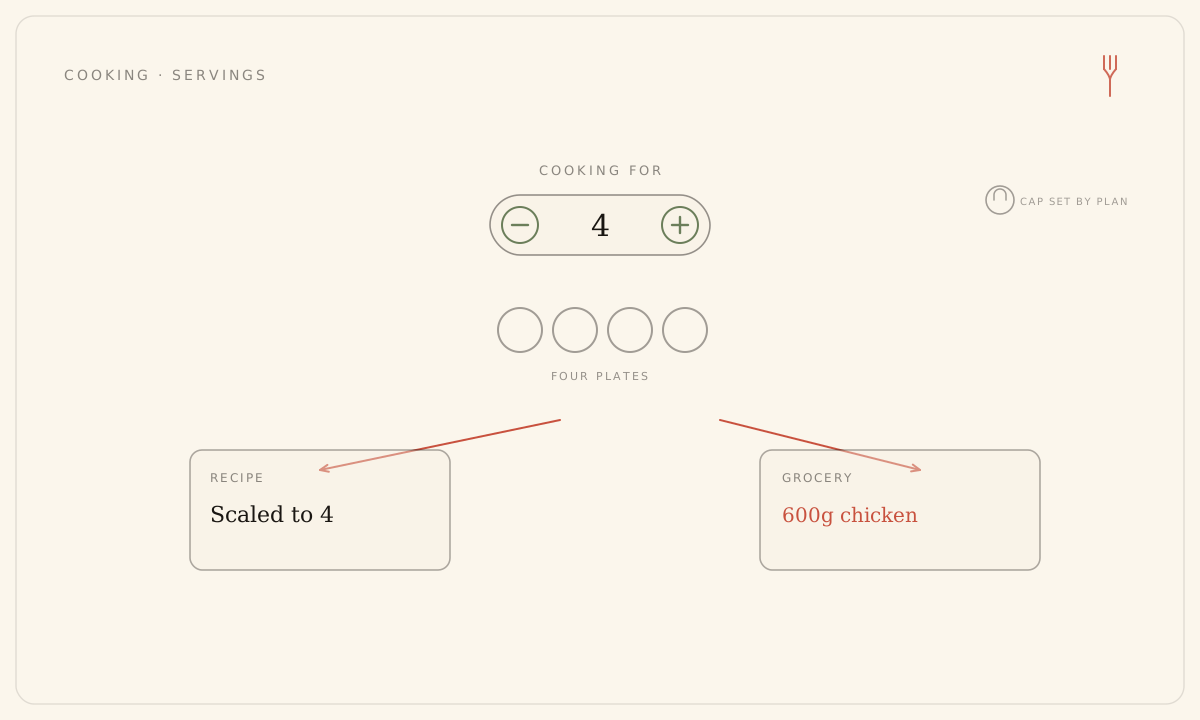
Set how many you’re cooking for
- Open Preferences and find the Cooking for section.
- Tap the number of people each dinner should feed — the default is 2.
- The change saves on its own; recipes and your grocery list resize to match.
Cooking for is a household-wide setting — it applies to the whole board, not to one person. There’s no Save button; the header shows a quiet Saving, then Saved.
How your plan caps it
The range you can choose depends on your plan. Only the numbers your plan allows are shown:
- Free — cooks for 1.
- Solo — up to 2.
- Family — up to 6.
- On the trial — up to 2.
Cooking for is not the same as seats. Solo is a single seat but still cooks for two — one person making enough for two plates, or for tonight plus a packed lunch. Below the Family cap, the section shows a prompt to upgrade that links straight to Billing.
If your plan changes
If you downgrade, or your trial ends, while your stored number sits above the new cap, the board, recipes, and grocery list size down to the cap on their own. Your number isn’t lost — it’s held quietly, and re-upgrading restores it exactly where it was.
Cooking for sizes the food, not your week’s plan budget — changing it doesn’t spend a generation. Cuisines and tastes still steer what lands on the board.
Still stuck? Email hello@forkboard.app.