Getting started
Getting started with Forkboard
Forkboard plans a week of dinners on a board built for the screen you actually plan on. Setup is short on purpose: name yourself, name your kitchen, flag anything you can't eat, and you're on your board. There's no long quiz, because the board learns most of your taste later — from the thumbs up and down you give real meals.
Sign in
There are no passwords. Use a one-time email link, Continue with Google, or Continue with Apple — whichever you pick creates your account on the spot if you don't have one yet. The same email across all three signs you into the same account.
Three quick things
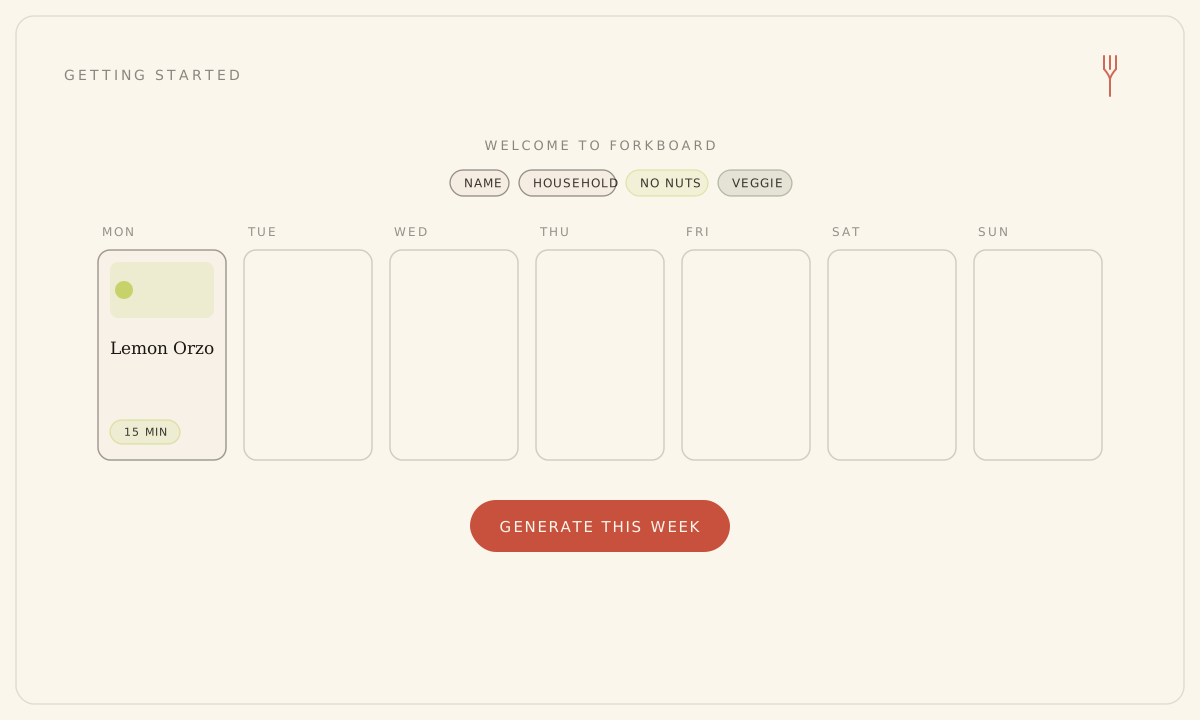
The first time you sign in, you land on a short Welcome screen titled "Three quick things."
- Enter your name. If Google or Apple already passed one along, this step is skipped.
- Confirm your household name. It's suggested as "<your first name>'s Kitchen" and follows your typed name until you change it.
- Optionally tap any diets you follow — vegetarian, vegan, pescatarian, gluten-free, dairy-free, kosher, or halal. Skip it if none apply.
- Optionally tap any allergens to avoid — tree-nut, peanut, shellfish, fish, egg, soy, sesame, dairy, or gluten. A flagged allergen is never put on your board.
- Tap Continue. Your household is created and you land on your board.
Your name and household name are required; diets and allergens are optional and live in Preferences if you'd rather set them later. Creating your household starts a 7-day trial of full Solo features — no card needed.
Don't labor over setup. Cuisines, skill, time, and the rest are learned as you rate meals — and you can adjust everything in Preferences anytime.
Plan your first week
A new board shows a "Plan your week" empty state. Nothing generates on its own — that would quietly spend a plan credit — so the first move is always yours.
- Click Generate this week.
- Watch the seven dinner cards fill in one night at a time as they're composed; a banner counts them as they arrive.
- When the week finishes as a Draft, the rating and swap controls on each card come alive — give meals a thumbs up or down to steer what comes next.
Still stuck? Email hello@forkboard.app.