Account & billing
Using the iPhone and Android apps
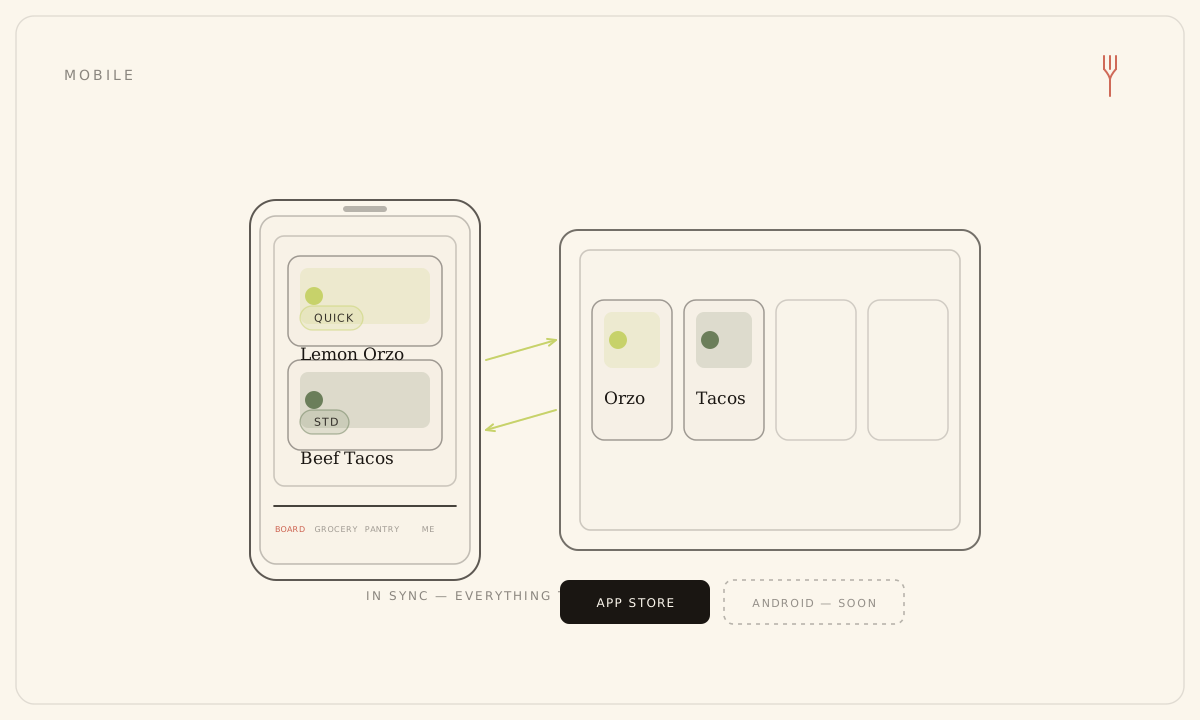
The Forkboard app is the whole board, in your hand — on iPhone and on Android, the same app either way. It plans, rates, scans, blends a household, builds the grocery list, and handles billing — the same things you do on the web, reading and writing the same plan. The big-screen board is the roomier place to plan, but nothing is missing on the phone.
Where to get it
Forkboard is on the App Store for iPhone and on Google Play for Android. It's the same app on both — same screens, same account, same board — so install whichever one matches your phone and sign in with the email you already use.
What's on the phone
Forkboard talks to the same backend on the phone as it does on the web, so a week you generate on your laptop is already there when you open the app — and vice versa. Four tabs along the bottom hold the whole product:
- Board — generate a full week or swap a single meal, both streamed in live as they're written, and thumbs meals up or down to steer what comes next.
- Grocery — turn the week into one clean list to take to the store.
- Pantry — scan a shelf, a label, or a barcode to keep track of what's already on hand.
- Account — edit your preferences, blend a household, and manage your plan.
Signing in
- Open the app while signed out to reach the sign-in screen.
- Choose a method: Continue with Google, Continue with Apple on iPhone, or the email magic link.
- For the magic link, type your email and tap Send Login Link, then open the email on the same device — the link opens the app directly and lands you on the Board.
- You stay signed in across restarts; the phone holds a secure token in the device's secure storage rather than a browser cookie.
Open the magic-link email on the same phone that asked for it — the link is keyed to that device.
On tablets
The same app runs full-screen on a tablet and uses the extra room: the board shows one column on a phone and two side by side on a tablet in portrait, widening to three on iPad in landscape. The Android app stays in portrait for now. Content stays centered and readable at any size.
Buying a plan in the app
In the app, Solo and Family are sold through the store — the App Store on iPhone, Google Play on Android — at store prices, with Subscribe and Restore on the Billing screen in Account. Your plan updates once the store confirms the purchase, which can take a moment to land.
There's no dark mode in the mobile app — it stays on the light editorial theme. Dark mode lives in the web app.
Still stuck? Email hello@forkboard.app.